

Planview AdaptiveWork · formerly Clarizen
Planview AdaptiveWork: Portfolio, Resources, and Finance
Planview AdaptiveWork, formerly Clarizen, combines portfolio and work management for PMOs, project managers, and delivery teams. TWRT, a Planview Elite Partner since 2015, helps assess, configure, and implement AdaptiveWork, incorporating demand, resources, budget, hours, and expenses within the context of projects.
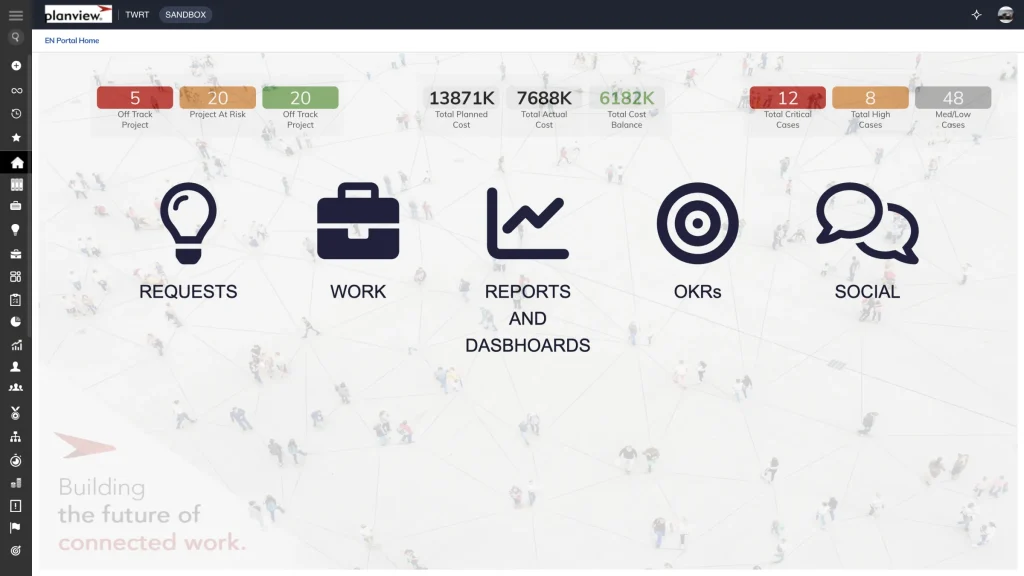
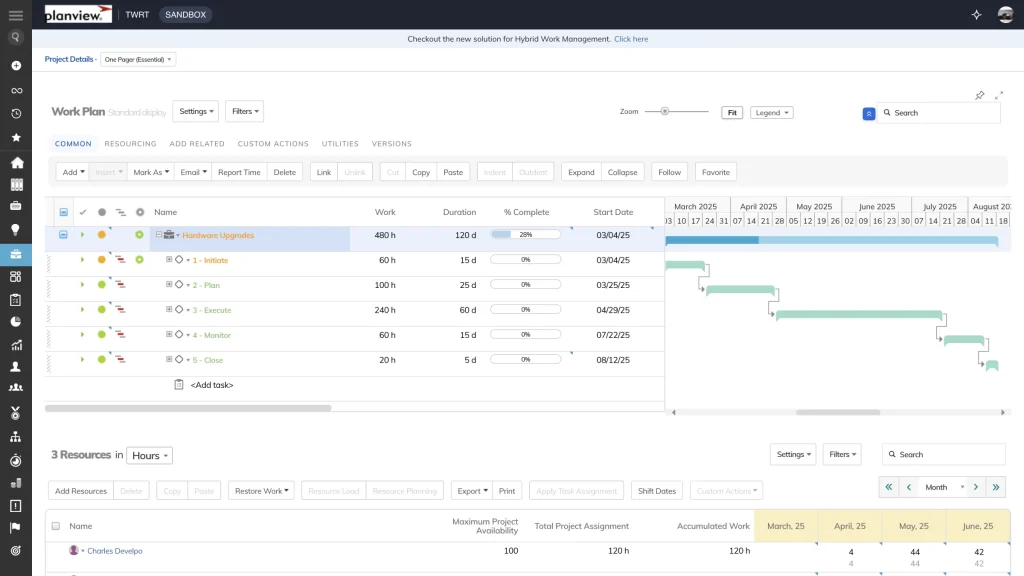
Planview demo screen. Features vary by edition and subscription plan.
What decisions does he support?
Evaluate project priorities, capacity, and performance using connected data.
Decision 1
Which demands to prioritize
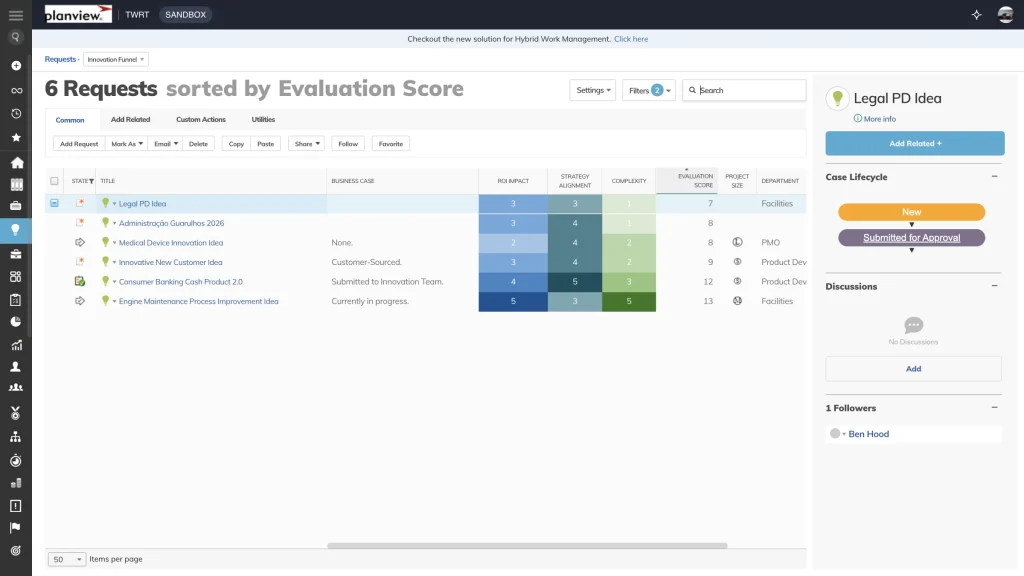
Organize requests and assess their priority before adding them to the portfolio.
Decision 2
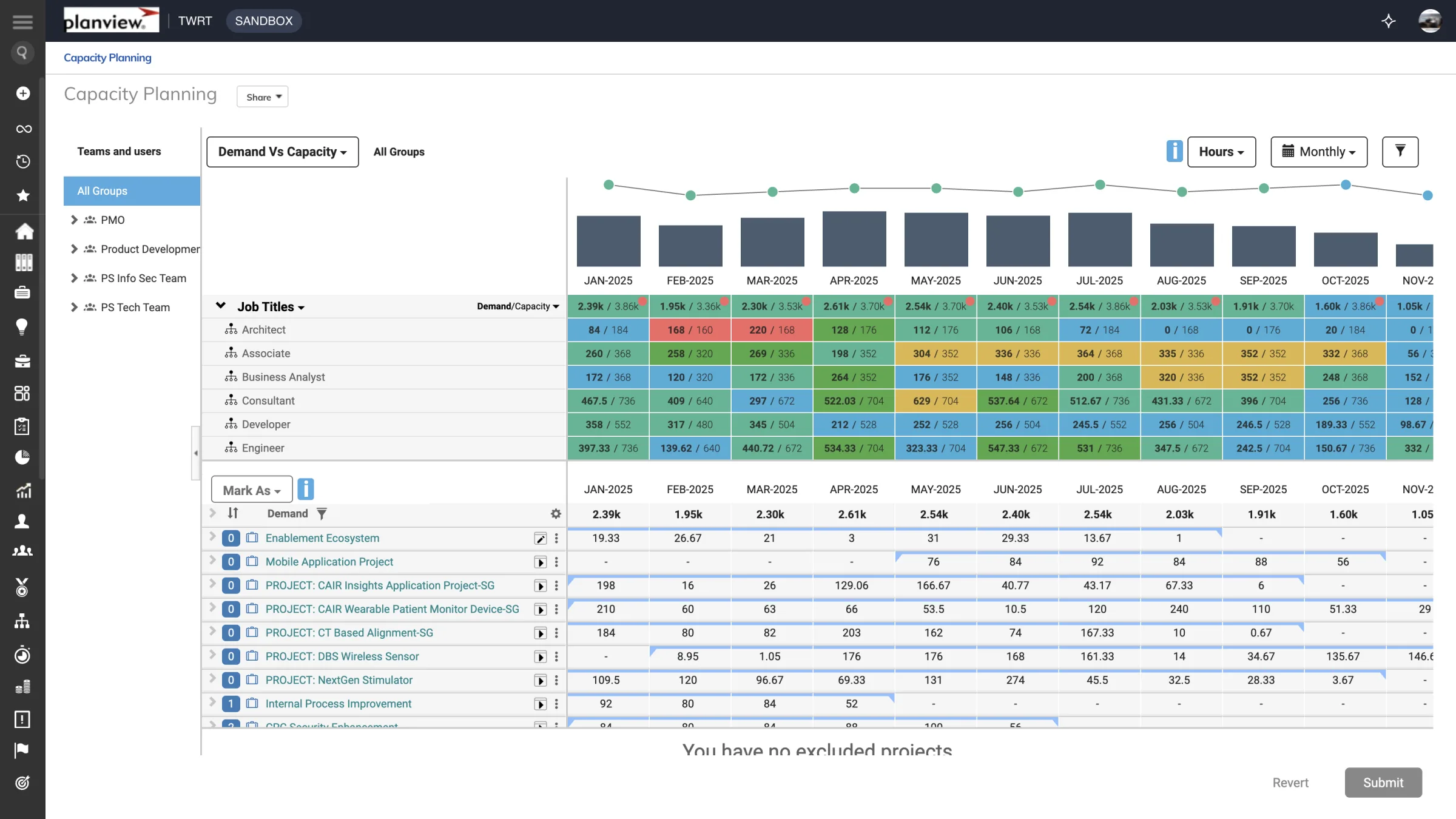
How to Allocate Resources
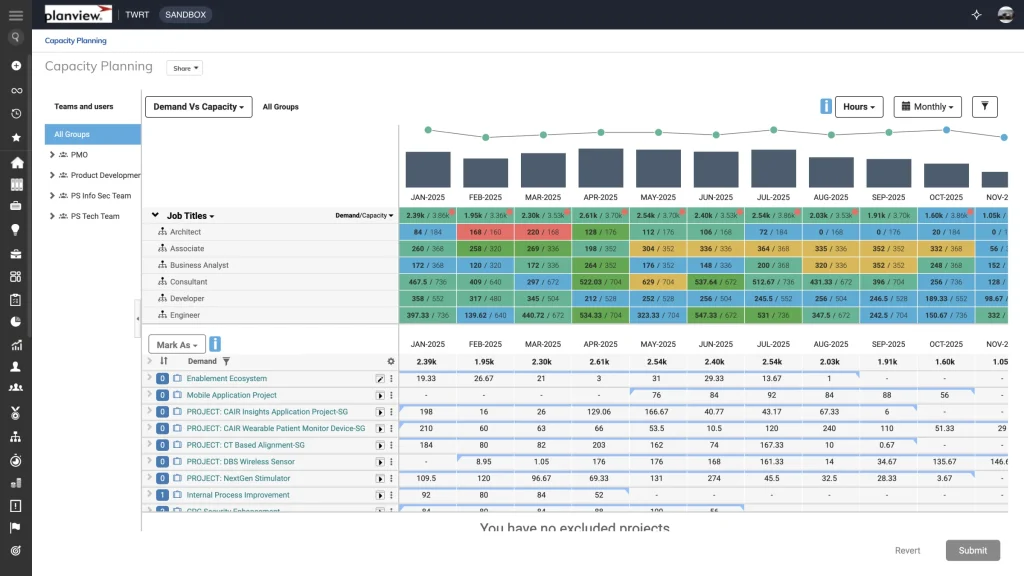
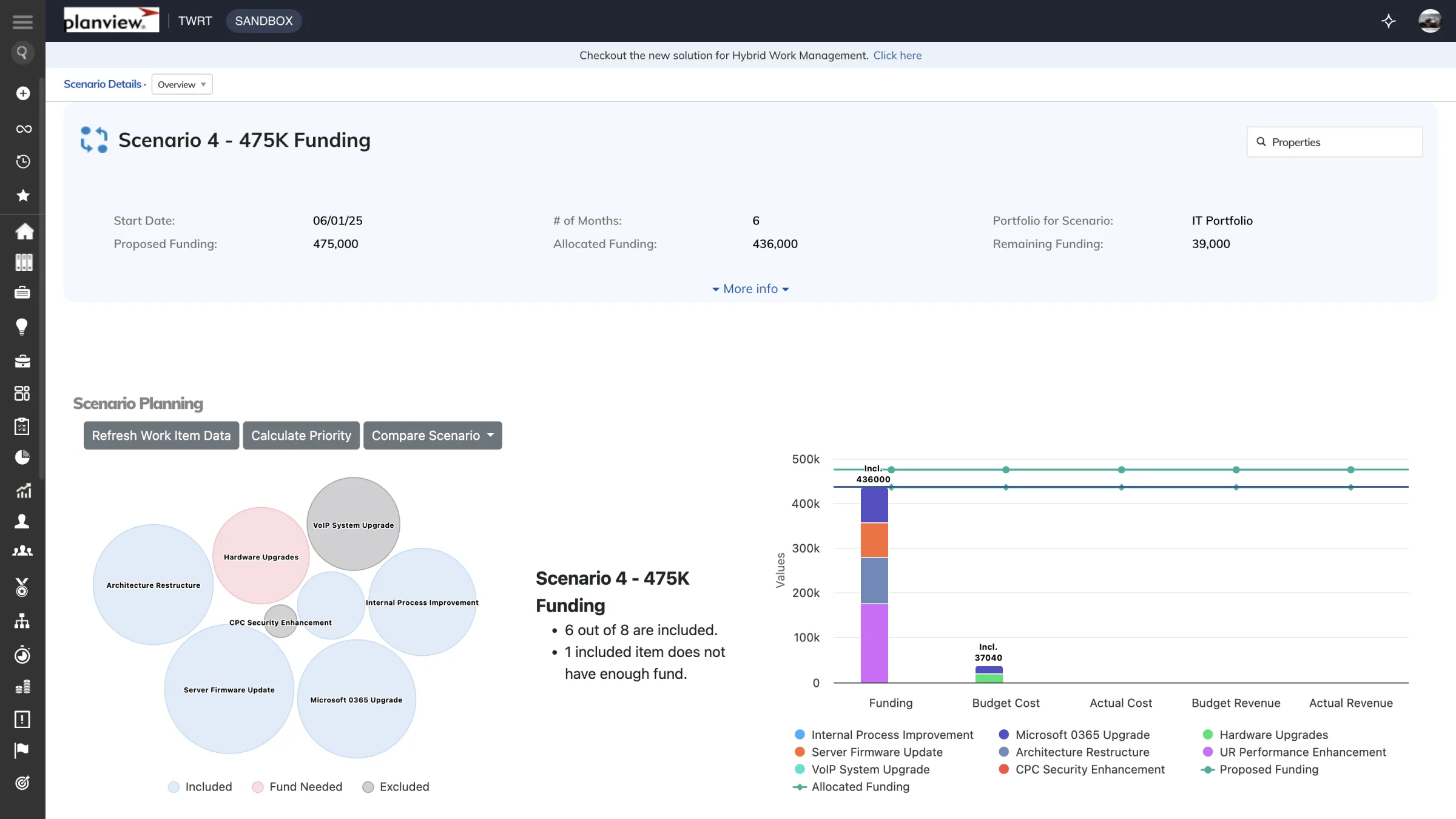
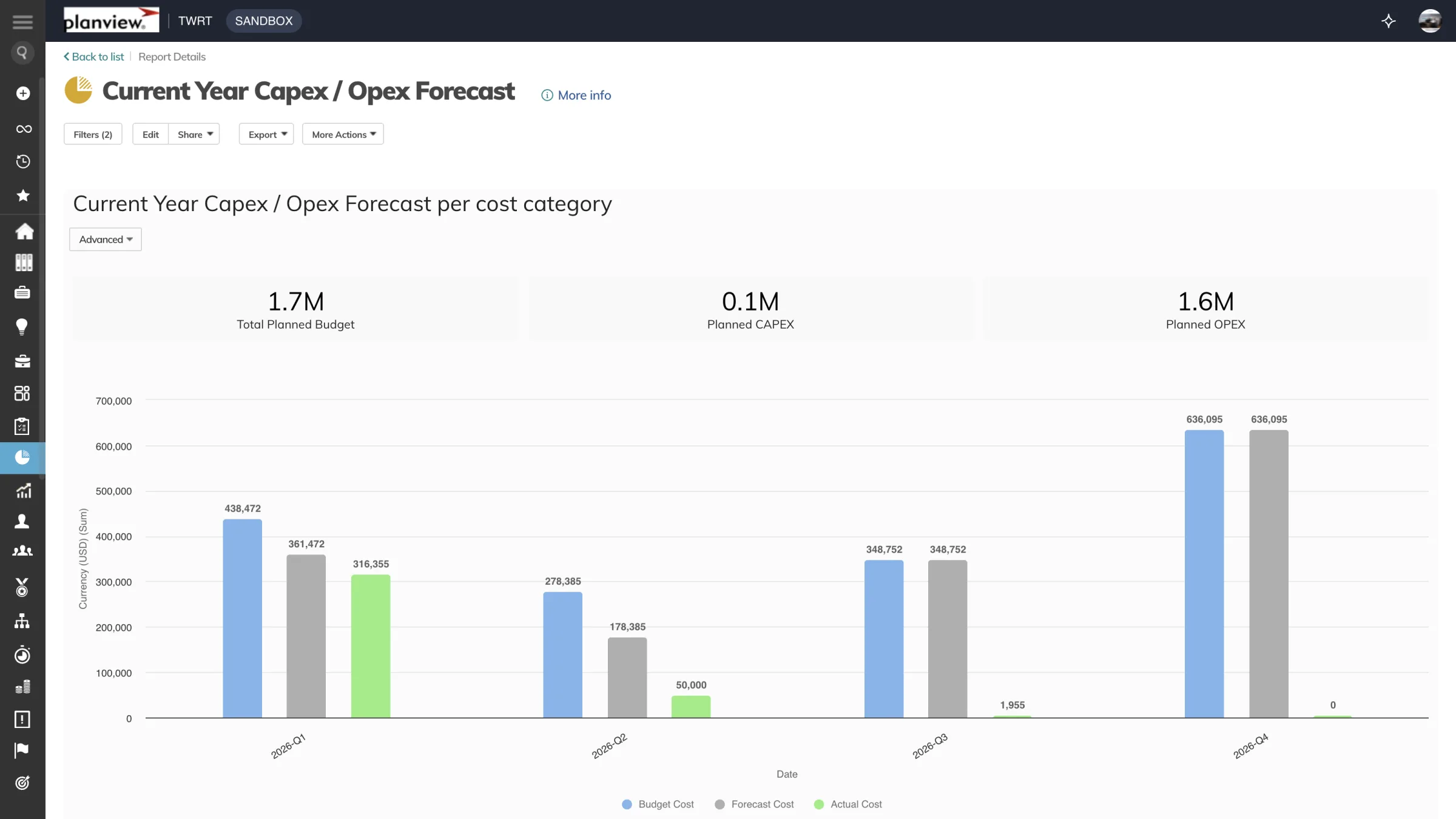
Compare project demand with team capacity and track budgets, hours, and expenses.
Decision 3
Which projects need attention?
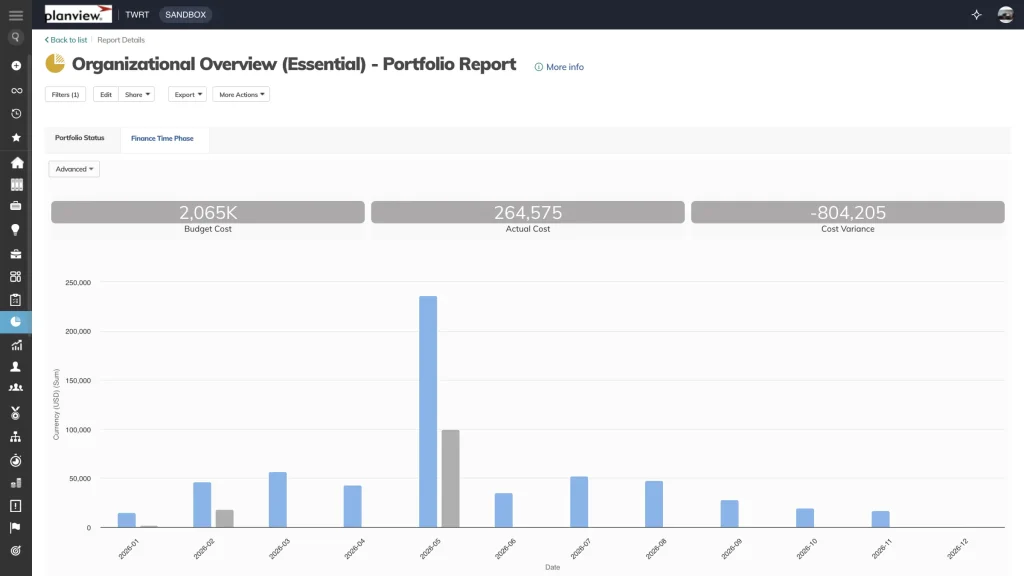
Use reports and dashboards to track performance. AI features help identify risk signals.
Inside the AdaptiveWork Planview
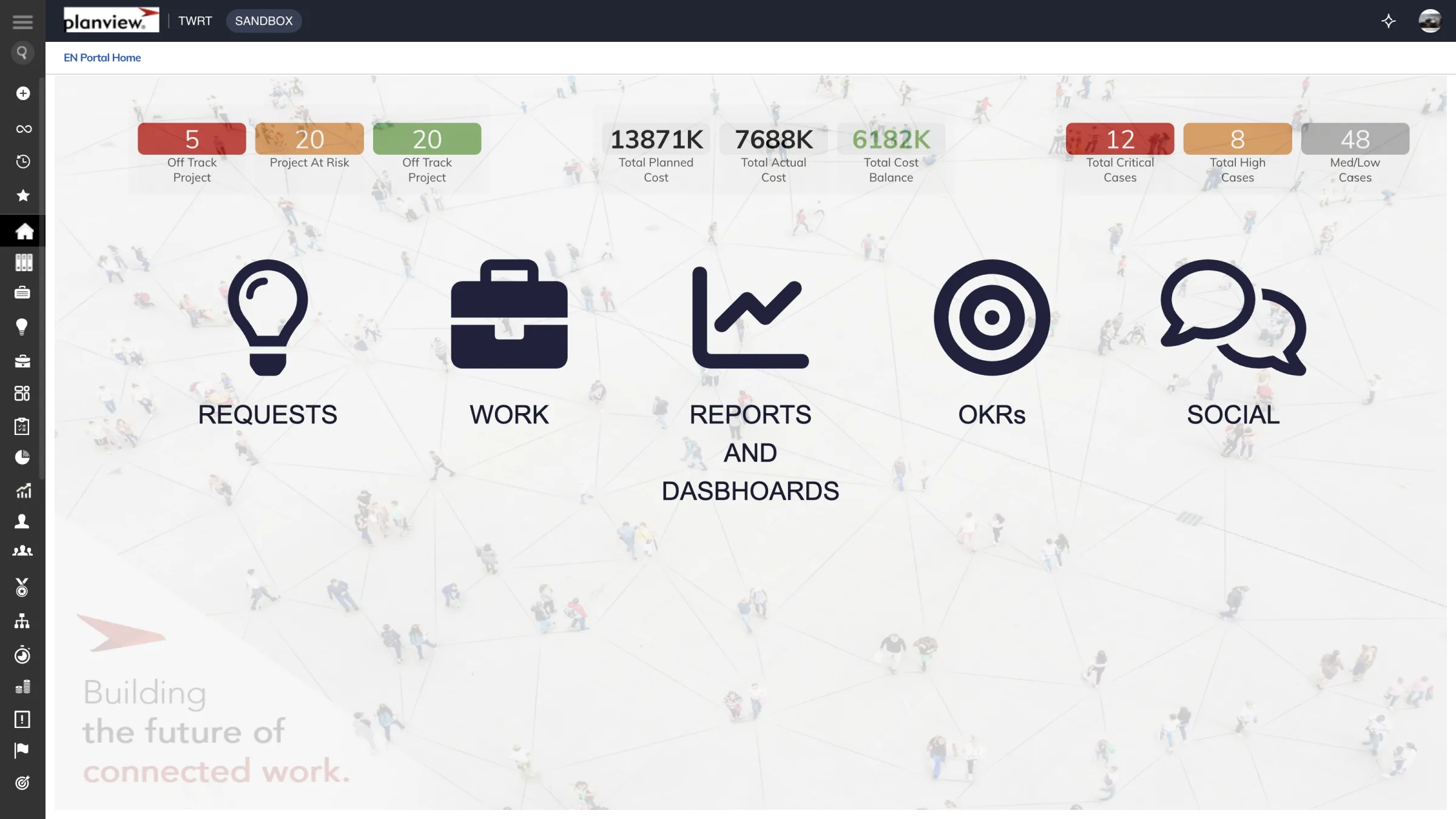
The names of the features follow the official nomenclature of the Planview. Select an area to view the corresponding screen.
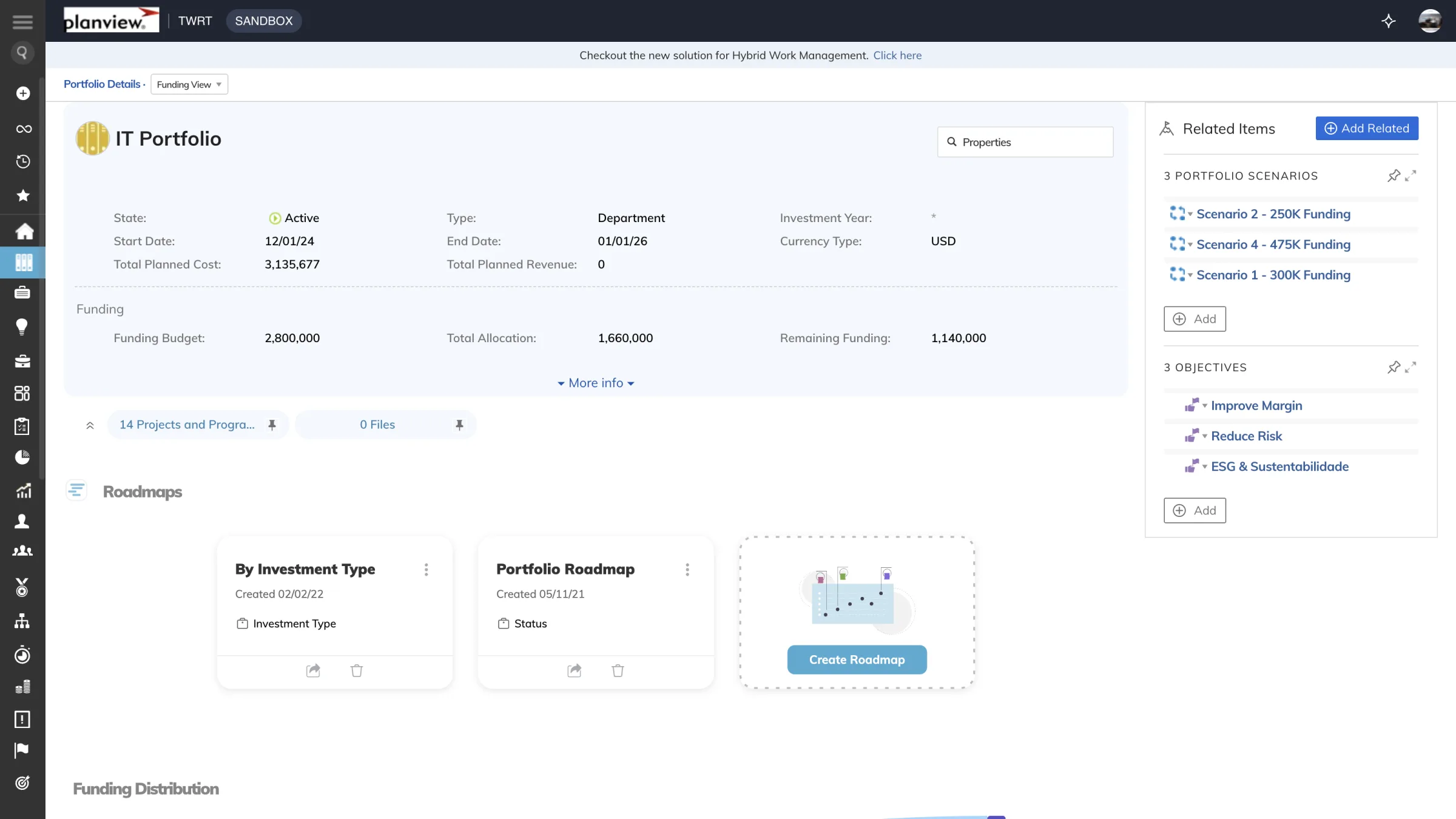
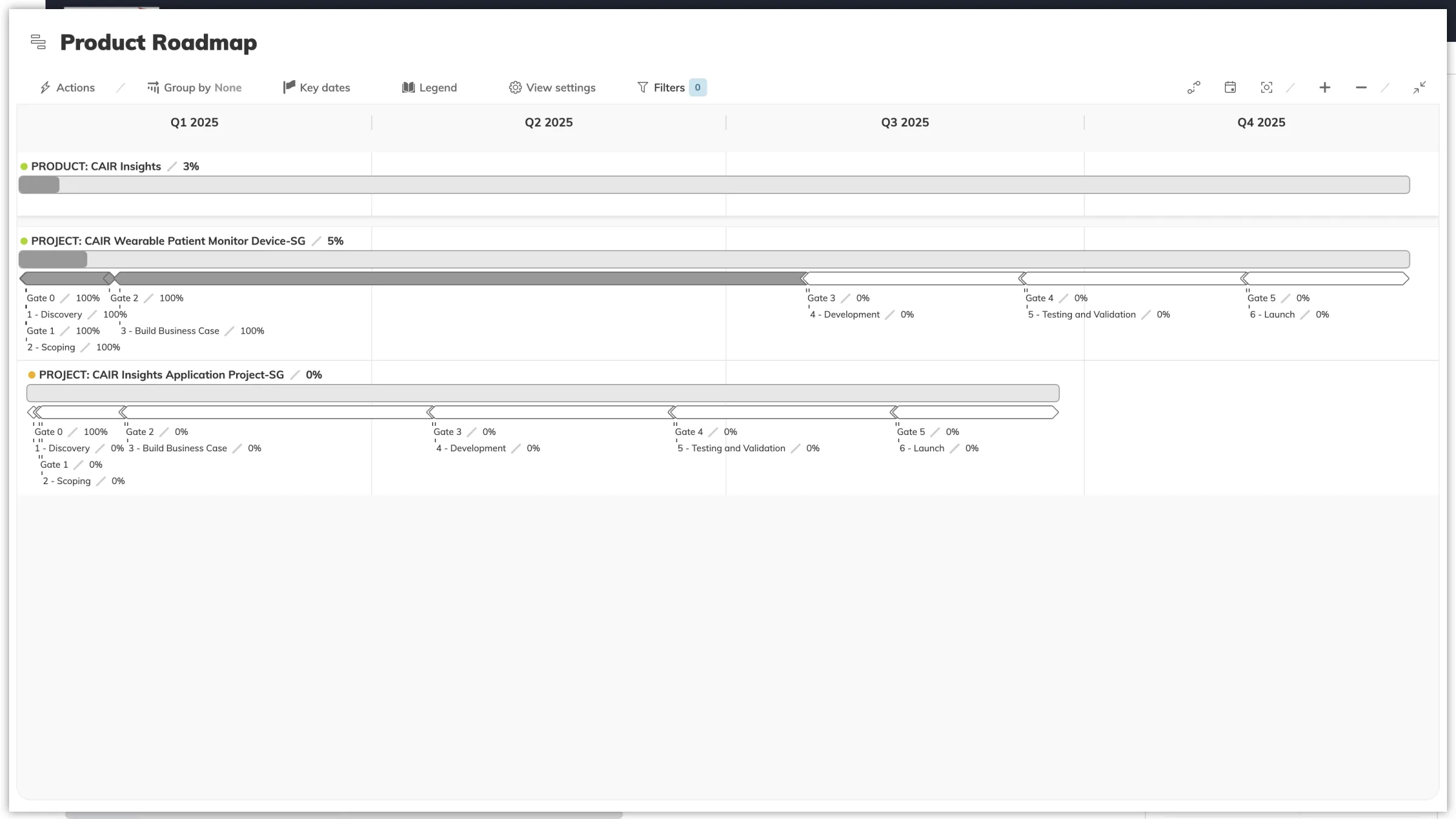
Demand and Portfolio
Organize work requests and track projects in your portfolio.
More product images
Screenshots from Planview's demo environments, featuring fictitious data.
Plan the deployment
When evaluating Planview AdaptiveWork, define the process, configuration, and adoption criteria.
Step 1
Rate the process
Identify how requests are received, who sets the priorities, and what data is needed.
Step 2
Set the configuration
Specify roles, fields, approvals, and integrations, and verify the environment requirements.
Step 3
Plan for Adoption
Identify the people responsible, training needs, and criteria for monitoring the solution's use.
Integrations documented by Planview
Planview documents AdaptiveWork integrations with Jira via the Planview Hub, Microsoft Teams, Slack, Salesforce, and SharePoint, among others. Check the connectors, licenses, and requirements needed for your environment.
Before signing a contract, confirm the version, license, connectors, and requirements for each integration.
Would you like to see how Planview AdaptiveWork works with your process?
Talk to TWRT about your priorities, your workflow, and the requirements of your environment.
Request a diagnosisSource: Product page on the Planview website (planview.com/products-solutions/products/adaptivework/), accessed on October 12, 2026.